
Show the person
Candidates can present their work story, skills, goals, and communication beyond a document.
WorkWay Connect is video-first hiring that helps Candidates show more than a resume and helps Companies share more than a job description.
Free for candidates, always.
Real people. Real work. Filmed, not fabricated.
For companies
Founding companies join free through the end of 2026. We record your first job video together and publish your opening at launch — candidates see the real job, and you see the real person.
Free through December 31, 2026. No contract, no obligation.
Why WorkWay Connect exists
A resume can show experience, but it cannot fully show someone's personality or how they communicate. A job post can list duties, but it cannot fully show the people or environment behind the role.
WorkWay Connect was made to bring that missing human context forward. Short videos, practical profiles, job posts, applications, and in-app communication help both sides make more informed decisions before moving forward.
Resumes are AI-written now. People aren't. WorkWay Connect lets you see beyond the resume — the real person and the real workplace, on video, before the interview.
Candidates can present their work story, skills, goals, and communication beyond a document.
Companies can explain the work, team environment, expectations, and open roles with more clarity.
Discovery, applications, saved profiles, messages, and hiring activity stay connected in one app.
Inside the app
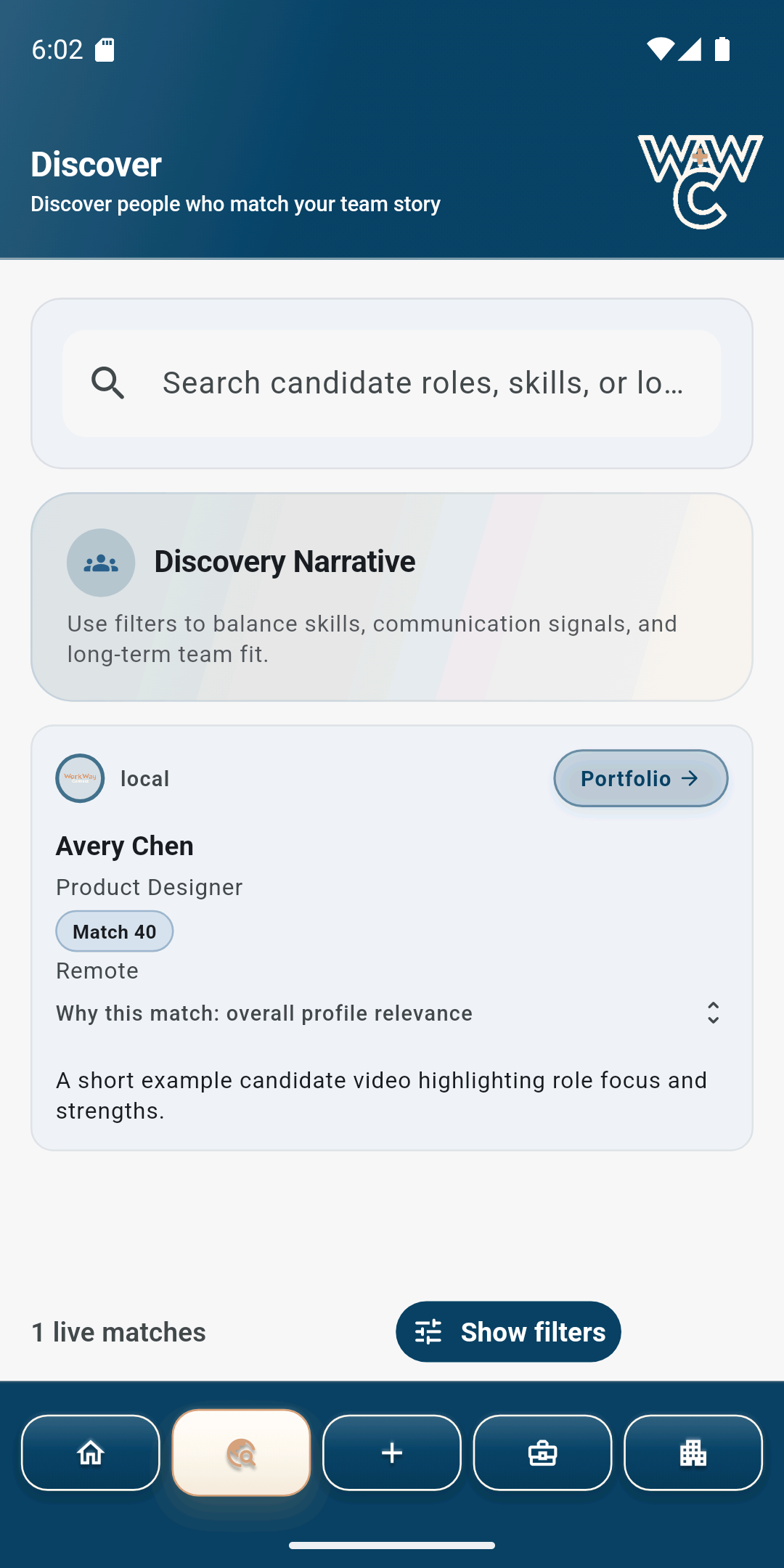
Find Companies, understand open roles, and build a Portfolio that shows more than a resume.
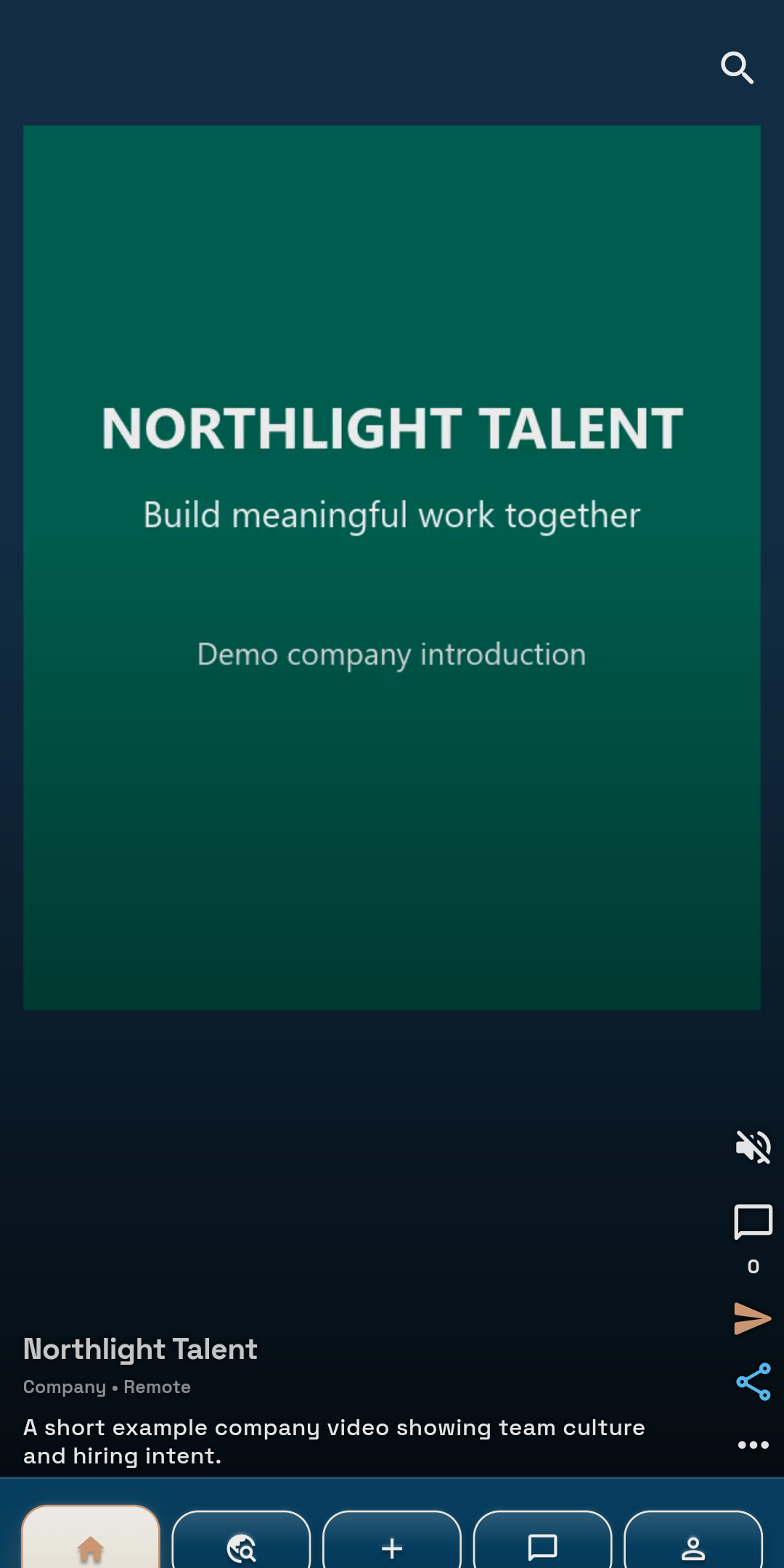
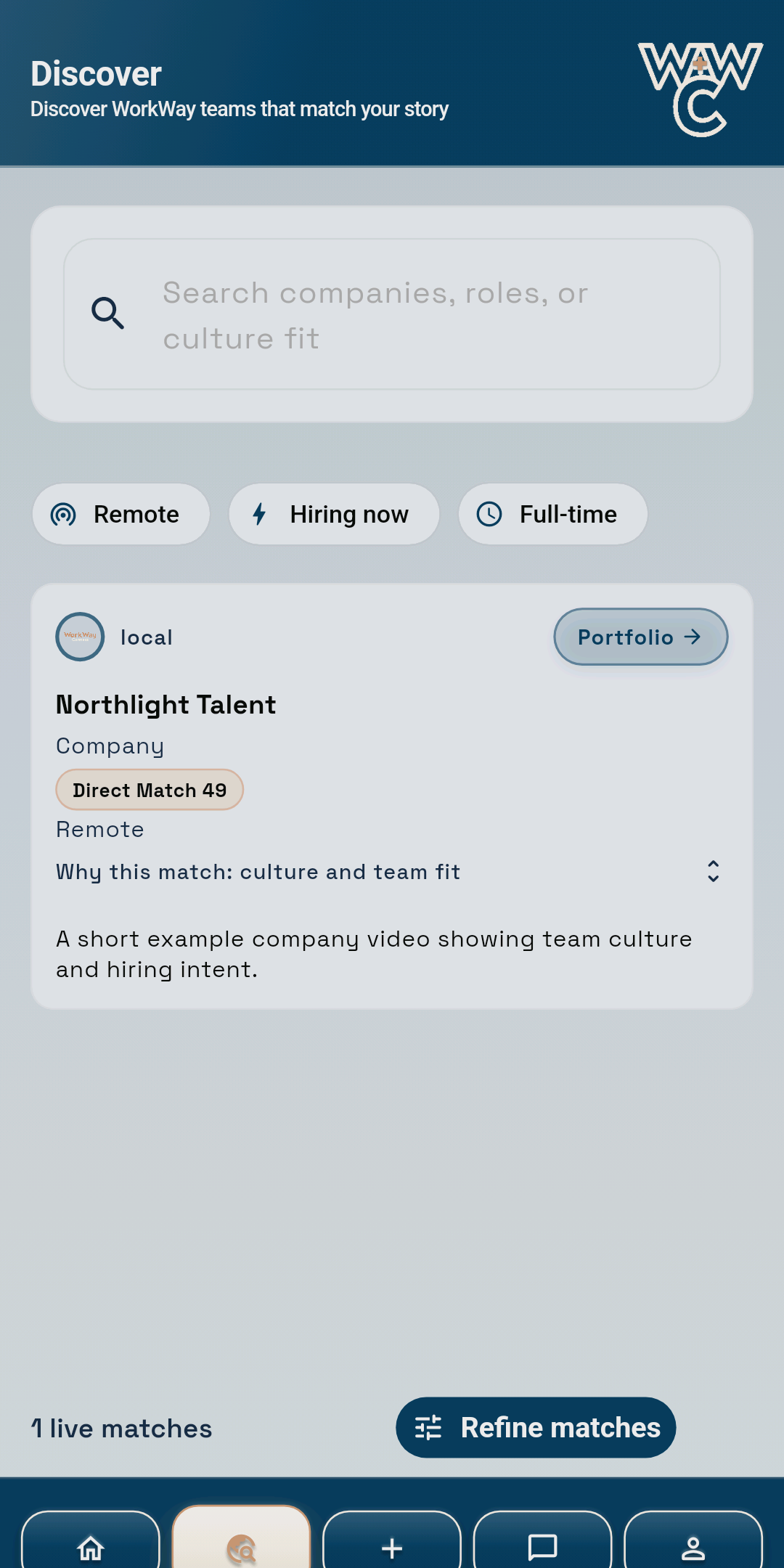
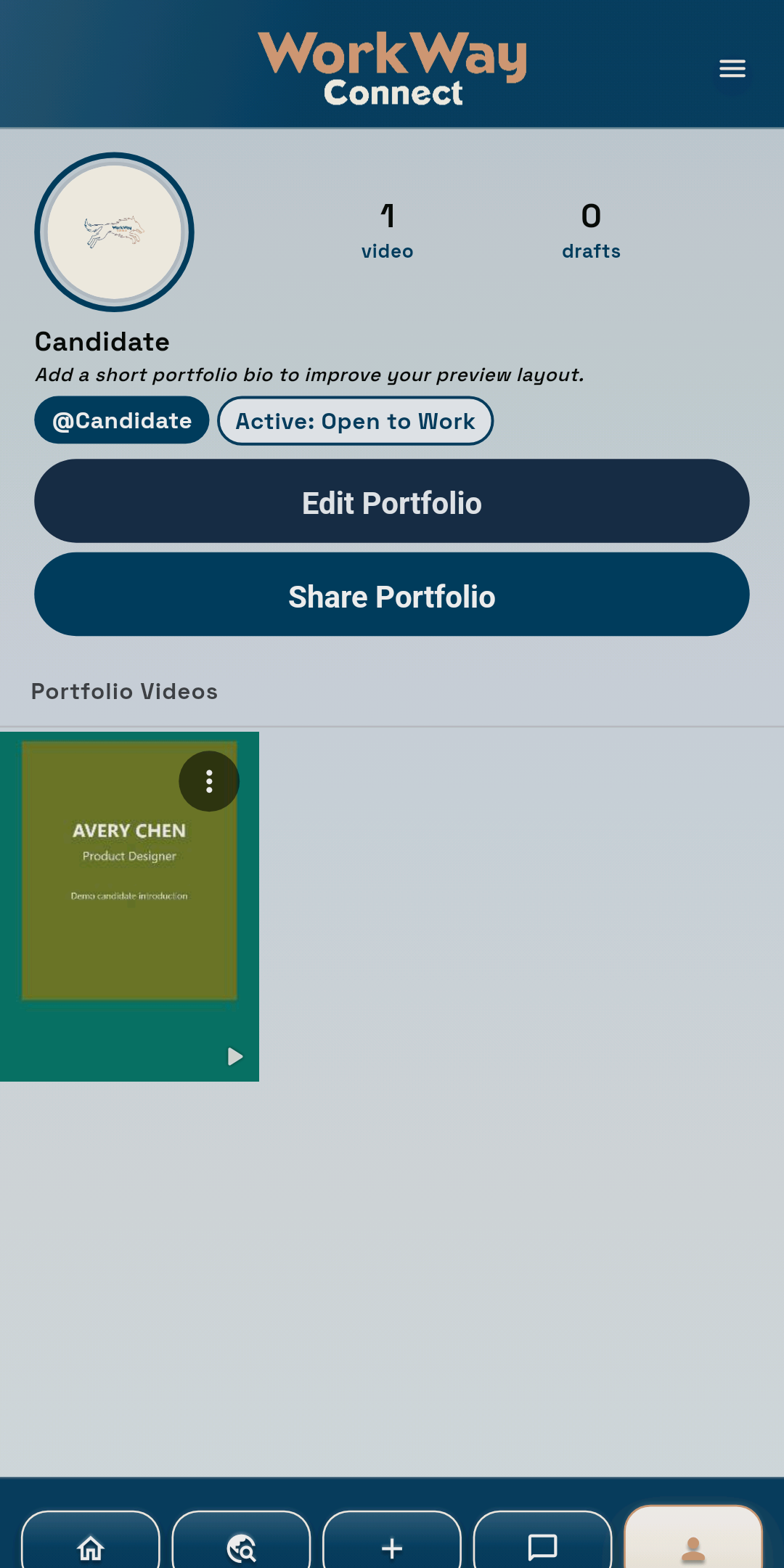
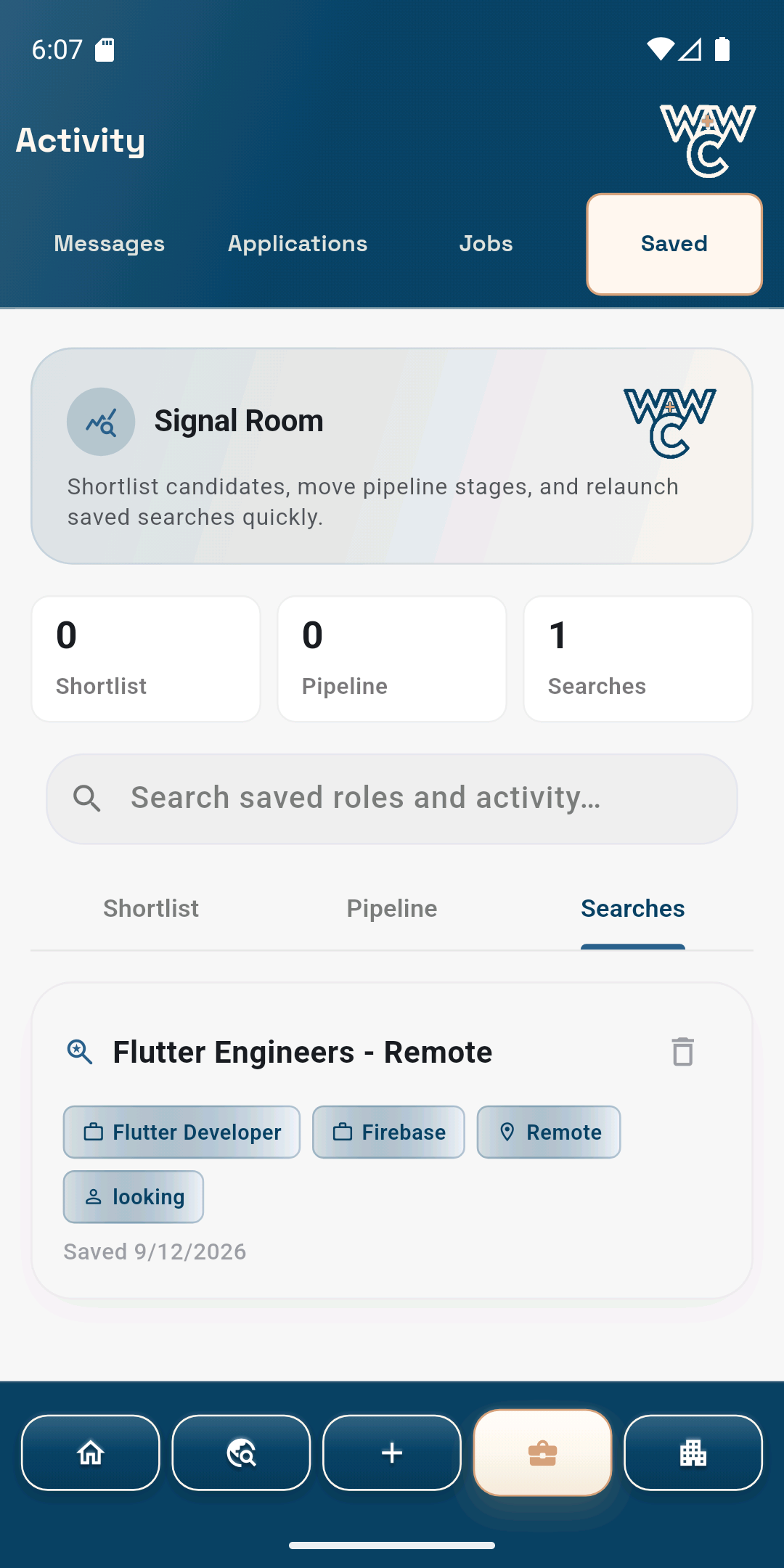
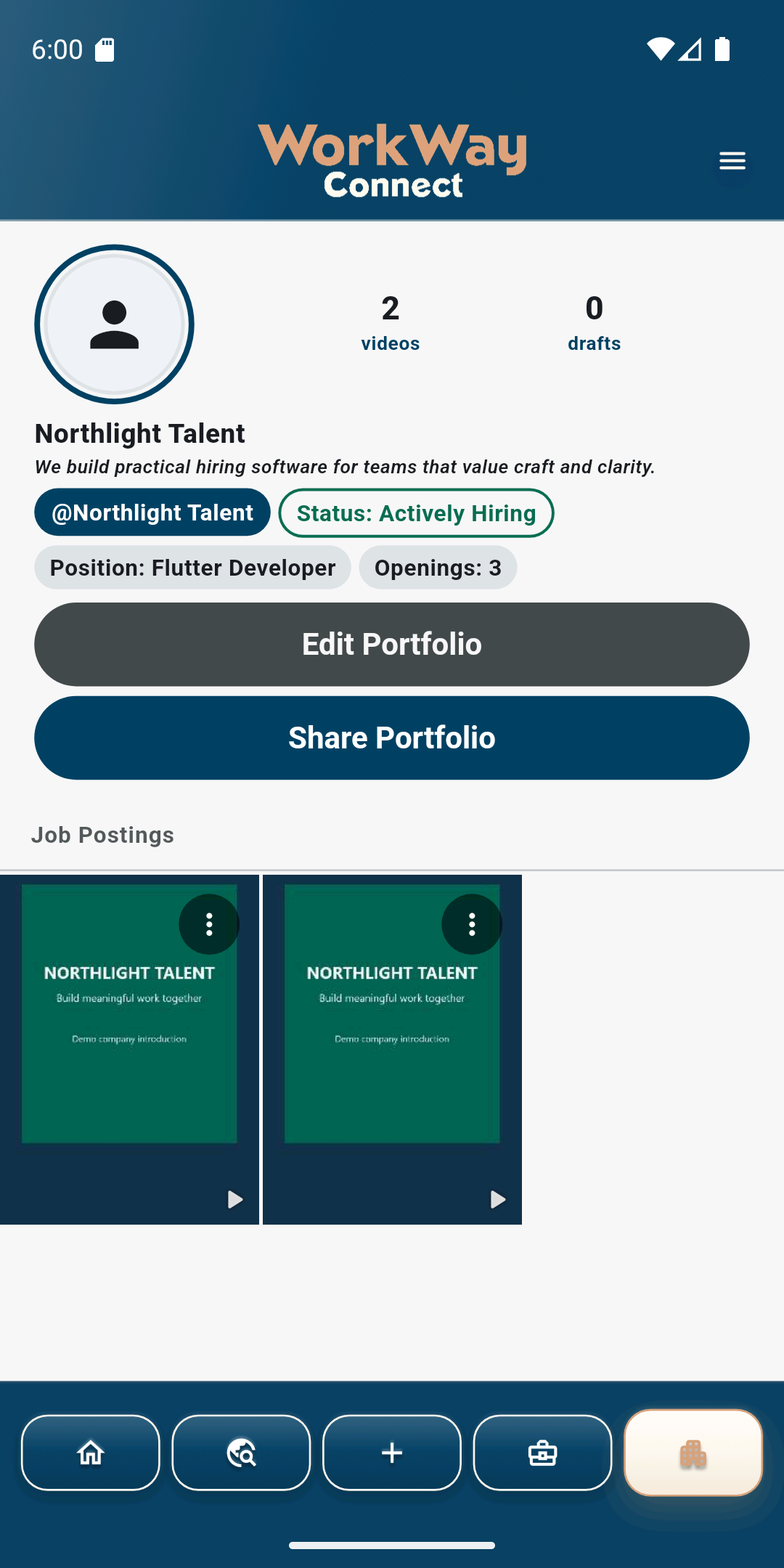
Discover Candidates, preserve useful searches, and show the roles and workplace behind your Company.
How to use WorkWay Connect
Candidate journey
Build a complete Portfolio and, when you are ready, add a clear introduction video. Then use Company videos and job details to decide where to apply.
Company video feed
Search Companies and roles
Record or choose video
Messages, Jobs, Applied, Intros, Saved
Your profile and videos
Company journey
Complete verification, record a short video for each role so Candidates can see the actual work and team, publish accurate jobs, and keep applications organized from first review through the available pipeline.
Candidate video feed
Search Candidate profiles
Job and Company videos
Messages, Applications, Jobs, Saved
Profile, team, and settings
Your first video
A strong WorkWay Connect video is clear, specific, and easy to understand without production equipment.
Quick answers
Search results
Launching soon
Get seen, not screened out. WorkWay Connect opens to the public this fall. Join the waitlist and we will email you the day it launches. Free for candidates, always.
Hiring? Become a founding company — free through the end of 2026, including a job video we record together.
WorkWay Connect is a mobile app — for the best experience, use it on your phone. This website is for guides, support, and policies.
Need more help?
Ask the WorkWay Connect Guide for help without sending an email. Your question stays in this browser, and email is available only if you still need account-specific support.
WorkWay Connect Guide